

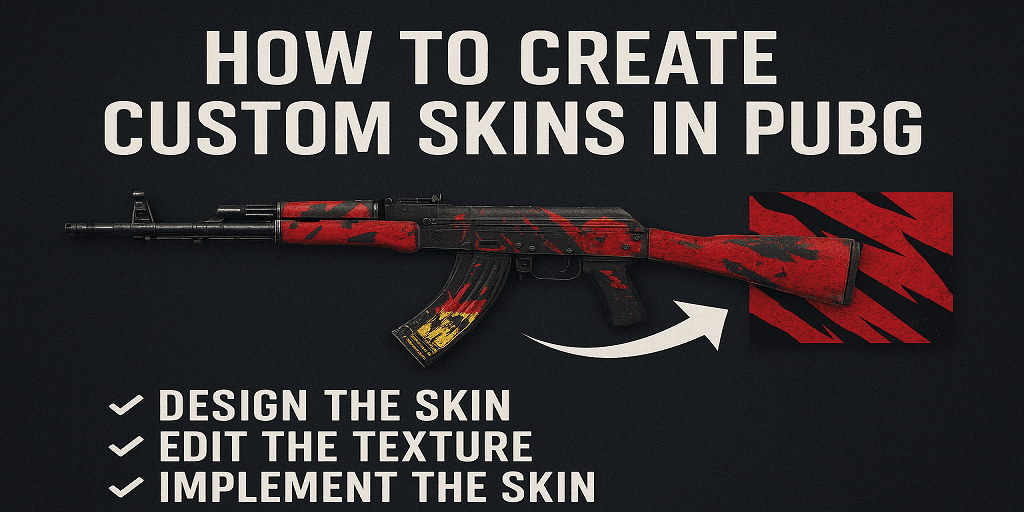
If you’ve ever seen a wild outfit on the battleground and thought “I want that for myself,” you’re in the right place. Today we’re talking about how to create custom skins in PUBG—what you can do (and what you really can’t) in 2025. This isn’t some polished marketing write-up; it’s a straight up conversation about mods, risks, and whether the effort is worth it.
What Is Possible
First: you need to know what the game allows. Officially, how to create custom skins in PUBG is mostly not supported. On PC you’ll find players messing with texture mods, replacing files locally. On consoles or mobile, your options are extremely limited. Sources confirm that custom skins via mods exist but are for private or offline use only.
So if you’re serious about how to create custom skins in PUBG, the reality: you can tweak aesthetics locally or concept‐design your own look, but running them in ranked official multiplayer? Huge risk.
Why People Still Try
There’s a creative side to it. Want your own military camo pattern or a helmet with a unique decal? Knowing how to create custom skins in PUBG gives you freedom few players tap. And even if you don’t add it to your game, designing skins sharpens modding or visual design skills that apply elsewhere. Think of it like creating an outfit mockup for a future game or portfolio.
Step By Step For PC (Private Use)
Here’s a rough outline of how to create custom skins in PUBG via PC mods. Proceed with caution.
- Locate the game’s install directory and find the .pak or texture files.
- Extract the relevant textures using a tool (e.g., a pak extractor).
- Open the texture in a graphics editor (Photoshop, GIMP) and apply your design.
- Save the edited texture in the correct format + resolution.
- Replace the original file with your edited one, and test in a private match so you don’t risk going online and getting flagged.
Mobile And Console: Limited But Still Creative
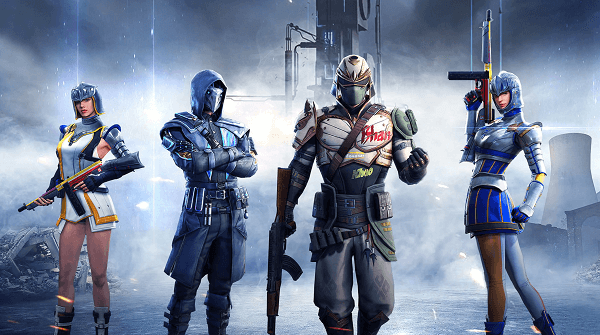
If you’re on mobile or console and wondering how to create custom skins in PUBG, the story is simpler: you can’t properly mod your own skins. Some events in PUBG Mobile let you pick colours or patterns, but full skin replacement isn’t officially supported.
So instead, you might design skin mockups (just for fun) or participate in official contests.
Risks & rules
Whenever you ask how to create custom skins in PUBG, you’ve got to ask: is it allowed? Short answer: not in official, competitive play. Many sources warn that modifying game files may break the game or get you in trouble with anti‐cheat systems.
If you’re just doing it for private or offline fun, great. If you’re injecting into live ranked matches? Risky.
Design Tips If You Go For It
If you’re still into how to create custom skins in PUBG, even just for mockups or offline testing, here are some tips:
- Stick to the game’s visual style (military, gritty). Overly flashy skins stand out—but maybe in a bad way.
- Match resolution & format of original textures so you don’t get weird glitches.
- Backup everything. If the mod fails or you need to revert, you’ll thank yourself.
- Test in offline mode first. Catch texture warping, clipping, or weird shading.
FAQs
Can you create custom skins in PUBG?
Yes—but mostly for PC, and only for private/offline use. For official multiplayer, the game doesn’t officially support full custom skin creation.
Are custom skins safe to use?
They’re safe if you’re using them offline or in private modes. Using them in ranked matches might violate rules and could get flagged.
How do I design my own custom skin in PUBG?
Extract the skin texture, edit it in a graphics tool, replace the file in the game folder, test it in a private server. That’s a basic summary of how to create custom skins in PUBG.
Can I do this on console or mobile?
Console: nearly impossible. Mobile: very limited. The real freedom is on PC.
What if I just want to stand out without mods?
Focus on event skins, battle pass cosmetics, or share your own skin designs online. You’re still playing safely and can show off creativity without modding files.
When Is It Worth It?
If you’re really into customization, doing your own skin gives a “this is mine” feel. If you’re just playing casually, maybe not worth the hassle. Asking how to create custom skins in PUBG only becomes fun when you like modding, want something unique, or maybe want to present designs to the community or devs.
Read Also