

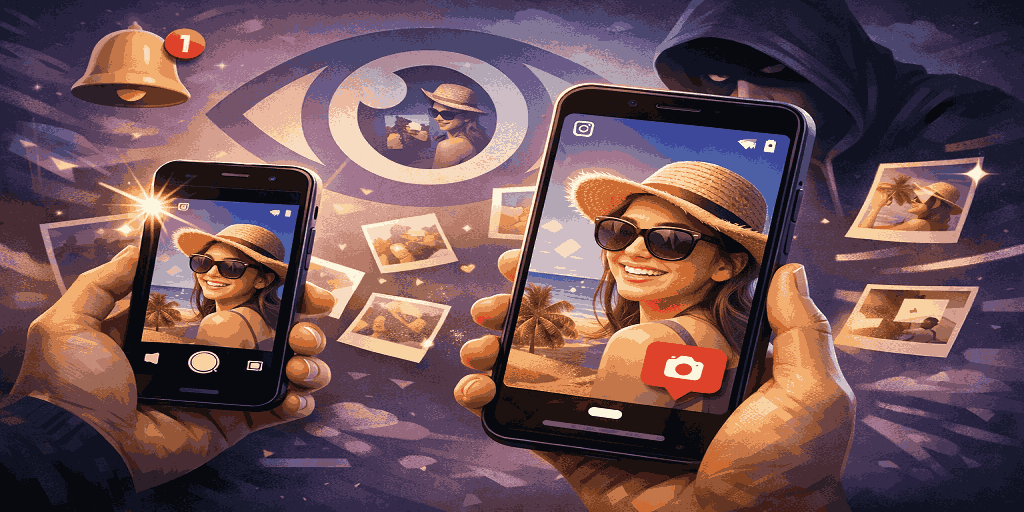
People usually start thinking about screenshots after posting a Story that feels a bit more personal than planned. Maybe it was shared quickly, maybe it was meant for a small group, or maybe it just wasn’t something you expected to live beyond a day. That’s when the question shows up: how to know if someone screenshots your Instagram Story.
The answer itself is simple, but the confusion around it is not. Instagram screenshots are surrounded by half-truths, old rumors, and assumptions that no longer apply. To avoid all of that, it helps to look only at how Instagram actually works right now, without guessing or relying on outdated features.
Everything explained below reflects Instagram’s current behavior and remains accurate for 2025 and moving into 2026.
Can People See When You Screenshot Their Instagram Story?

No, they cannot.
Instagram does not notify users when someone screenshots their Story. This applies to screenshots and screen recordings. If you view someone’s Story and take a screenshot, the person who posted it will not know. Likewise, if someone screenshots your Story, you will not receive any alert.
You can see who viewed your Story and how many people watched it, but that is the limit of the information Instagram provides. There is no feature that shows screenshot activity for Stories.
This is true for public Stories, private Stories, and Close Friends Stories.
Does Instagram Show Screenshots on Stories?

No.
Instagram does not show screenshots on Stories in any form. There is no icon, label, or hidden indicator that appears later. Once a Story is posted, Instagram treats it as viewable content without tracking how it is saved outside the app.
This is one of the reasons the question continues to circulate. Stories feel personal, but the platform does not offer extra protection beyond visibility controls.
Why People Think Screenshot Notifications Exist
The confusion comes from Instagram’s past behavior.
Several years ago, Instagram briefly tested screenshot notifications for Stories. During that experiment, users could see when someone screenshotted their content. The response was overwhelmingly negative. People felt uncomfortable and watched. Posting Stories became stressful instead of casual.
Instagram removed the feature quickly.
Since then, Instagram story screenshot notifications for Stories have not returned. The platform shifted toward encouraging frequent, low-pressure sharing rather than strict monitoring. That approach is still in place today.
Can You Screenshot Instagram Stories?

Yes. Instagram does not prevent screenshots or screen recordings of Stories. If something is visible on your screen, the app does not step in to stop it from being saved.
Once a Story is playing, Instagram does not control how it is captured. Instead of blocking screenshots, the platform relies on user behavior. The expectation is that people will respect boundaries, even though the option to save content is always there.
Does Instagram Notify When You Screenshot?
This is where clarity matters.
The answer depends entirely on what type of content you are screenshotting.
For the following content types, Instagram does not notify anyone:
- Stories
- Feed posts
- Reels
- Live videos
- Regular direct messages
However, there is one important exception.
When Instagram Does Notify About Screenshots
Instagram does notify users when screenshots are taken in specific types of direct messages.
If you send disappearing content through DMs, Instagram will notify you if the recipient takes a screenshot. This includes:
- View once photos or videos
- Allow replay photos or videos
- Messages sent while using vanish mode
In these cases, Instagram displays a visible indicator inside the chat showing that a screenshot was taken. This exists because the content is intended to disappear, and screenshots undermine that purpose.
If you send a photo or video in a DM that stays visible in the chat, Instagram does not notify anyone if it gets screenshotted.
Does Instagram Notify When You Screenshot a Post?
No.
Instagram does not notify users when someone screenshots a feed post. This has been consistent for years and remains unchanged in 2025. One reason is that Instagram already offers built-in ways to save posts privately, making screenshots unnecessary.
The same rule applies to photos and videos in the feed.
Why Instagram Does Not Notify for Stories
Instagram has intentionally chosen not to notify users about Story screenshots.
Screenshot alerts would change how people use Stories. Casual posting would decrease. Users would hesitate before sharing everyday moments. Stories would feel monitored rather than expressive.
Instagram tested that environment once and removed it. Since then, the platform has focused on ease of sharing instead of strict control.
The tradeoff is clear. You gain reach and freedom to post, but you lose insight into how content is saved.
Can You Prevent Someone From Screenshotting Your Instagram Story?
No, not completely.
There is no setting that blocks screenshots. If someone can see your Story, they can technically capture it.
What you can do is limit who sees your content:
- Set your account to private
- Use the Close Friends feature for Stories
- Hide Stories from specific users
- Block accounts that misuse your content
These steps reduce risk but do not eliminate it.
Avoid Third Party Screenshot Apps
You might come across apps that promise to tell you when someone screenshots your Instagram Story. In practice, they do not deliver on that claim. Instagram does not share screenshot data for Stories, so there is nothing legitimate for these apps to access.
Using them can also create problems. Some may ask for unnecessary permissions, interfere with your account, or expose your data in ways you cannot see. If knowing who screenshots your Story matters to you, third party apps will not solve it. Your safest option is to stick with Instagram’s own privacy controls and manage who can see your content in the first place.
A More Realistic Way to Think About Story Screenshots
Most people worry about screenshots because they care about boundaries. That concern is valid.
Saving a Story for personal reference is one thing. Screenshotting personal content and sharing it elsewhere without permission is another. Instagram does not enforce this technically, so responsibility falls on users.
If something feels too private to be saved, Stories may not be the right place to share it.
Final Answer
If you are trying to figure out how to know if someone screenshots your Instagram Story, the answer is simple.
You cannot know.
Instagram does not notify users when Stories are screenshotted. The only time screenshot notifications exist is for disappearing content sent through direct messages.
The best way to manage this is to be intentional about who sees your Stories and how you share sensitive content.
That is the reality of how Instagram works today.
Read Also