

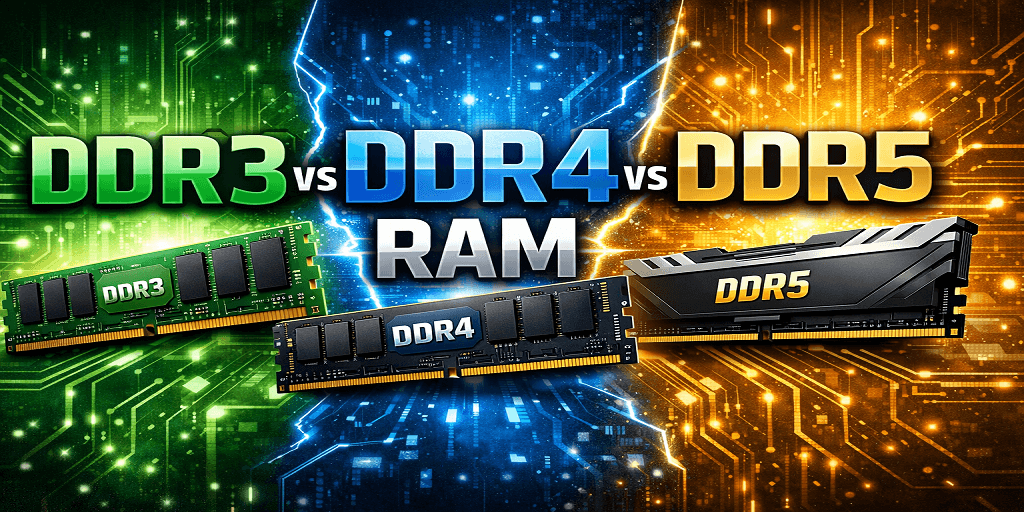
Picking RAM sounds simple until you actually look into it. DDR3, DDR4, DDR5, and it quickly turns into a list of numbers that don’t mean much unless you’ve dealt with this before.
Most comparisons either get too technical or too basic. What actually matters is how these versions behave in real use, what works with your system, and whether upgrading even makes sense for you.
This isn’t about memorizing specs. It’s about understanding what changes from one generation to the next and if any of that makes a difference in real use.
What DDR Actually Means
DDR stands for Double Data Rate. In simple terms, it’s how RAM transfers data. Each new generation improves how fast it can move data, how much it can handle, and how efficiently it runs.
You’ll mostly see three generations still being used or discussed:
- DDR3 (older systems)
- DDR4 (current standard for most setups)
- DDR5 (newer and still growing)
Each one builds on the previous, but that doesn’t mean the difference always feels huge in everyday use.
DDR3
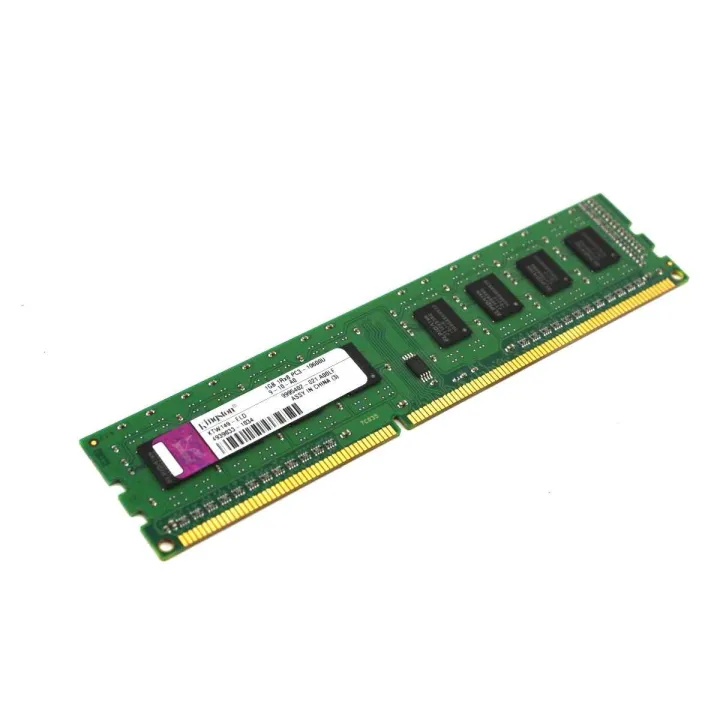
DDR3 has been around for a long time, and you’ll still find it in older desktops and laptops.
With speeds usually ranging from about 800 MHz to 2133 MHz, DDR3 is clearly behind newer RAM now, but it still runs fine on older systems where upgrades aren’t really an option. Also in budget setups where performance isn’t a priority, and basic tasks like browsing, office work, or light apps.
That said, it starts to struggle with modern games, heavy multitasking, and newer software that expects faster memory. Another limitation is compatibility. If your motherboard supports DDR3, you can’t just switch to DDR4 or DDR5 without changing the board.
DDR4
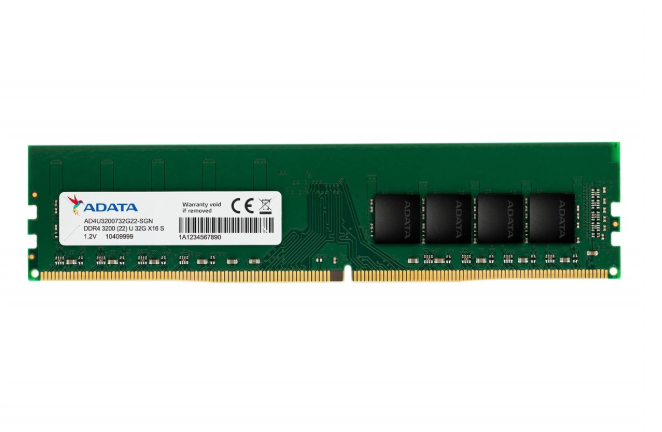
DDR4 is what most systems have been using for years. It’s faster, more efficient, and supports higher capacities compared to DDR3.
With speeds starting around 2133 MHz and going much higher depending on the setup, DDR4 feels like a solid step up from DDR3 without being overkill.
It works with most modern systems and is in the middle of the range of performance and cost. You can use it for gaming, multitasking, and everyday work without any problems. Compared to DDR3, it handles data faster and uses less power, so things run smoother without adding extra heat or strain.
For most users, DDR4 still feels more than enough.
DDR5
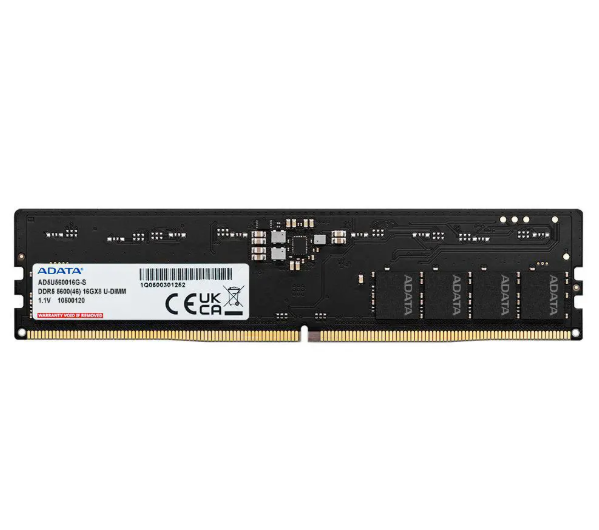
DDR5 is the latest generation, and on paper, it’s a big jump.
It offers:
- Higher bandwidth
- Faster speeds
- Better efficiency
- Larger capacity support
Speeds start higher than DDR4 and scale much further. This helps in workloads that rely heavily on memory, like gaming, video editing, and large data processing.
But there are trade-offs.
DDR5 is still newer, which means:
- It’s more expensive
- It requires newer motherboards
- Not every system fully benefits from it yet
So while it’s clearly better in terms of performance, not everyone will notice a huge difference in everyday tasks.
DDR3 vs DDR4 vs DDR5
Looking at specs doesn’t always help, so it’s easier to think about how each one actually feels when you’re using it.
DDR3 still works if you’re on an older system, but you can feel it slow down once you start doing heavier tasks. It’s fine for basic use, just not built for what most newer software expects now.
DDR4 is what most people are still on, and for good reason. It handles pretty much everything without any real issues, whether that’s gaming, multitasking, or everyday work.
DDR5 is faster, no doubt, but you don’t always feel a huge difference unless your setup can actually make use of it.
One important thing to remember is compatibility. These RAM types are not interchangeable. A DDR4 motherboard won’t support DDR3 or DDR5, and vice versa.
Where You Notice the RAM Difference
Speed and bandwidth
Each generation increases how quickly data moves. DDR5 has the highest bandwidth, followed by DDR4, then DDR3.
Capacity support
If you are dealing with heavier workloads or running multiple programs simultaneously, DDR5 is the best choice because it can handle more memory overall.
Power consumption
Newer RAM doesn’t draw as much power. It’s not something you’ll actively notice, but it helps keep things running a bit more efficiently in the background.
Real-world impact
If you’re just browsing or doing light work, the difference isn’t that obvious. But once you get into gaming, editing, or juggling multiple apps, the difference starts to show.
Should You Upgrade?
This is where most people get stuck.
If you’re using DDR3, upgrading usually means changing your motherboard and possibly your CPU. It’s a bigger upgrade, not just a RAM swap.
If you’re on DDR4, the jump to DDR5 only makes sense if:
- You’re building a new system
- You need higher performance for demanding tasks
- Your setup supports it
Otherwise, DDR4 is still more than capable.
FAQs
Can I use DDR5 in a DDR4 motherboard?
No, that won’t work. The slots are different, so you can’t mix them. If you want DDR5, you’ll need a motherboard that supports it.
Is DDR5 ideal for gaming?
If you’re building a high-end setup, it can help. Otherwise, DDR4 still runs most games without any real issues.
Is DDR3 an outdated RAM?
For newer systems, yeah. But if you already have it and your usage is basic, it still gets the job done.
Does RAM speed matter a lot?
It depends on what you’re doing. For everyday stuff, not really. For gaming or heavier work, it starts to matter more.
Final Thoughts
DDR3, DDR4, and DDR5 aren’t just numbers on a spec sheet; they reflect different stages of how hardware has evolved.
From what I’ve seen, DDR3 is something you mostly stick with if you already have it. DDR4 is what most people are still using without any real issues. DDR5 is starting to show up in newer builds, but it’s not something everyone needs yet.
In the end, the best choice is usually based on what your system can handle and what you really need, not just on the newest upgrade.
Read Also